



Live Website Preview: The Fastest Way to the Right Design
Use a live website preview to test ideas early, compare alternatives, and improve the parts of a site that people actually notice.
In this article
Teams often spend too long discussing an abstract direction. A live website preview changes the conversation because everyone can respond to the same thing. The question becomes what needs to change, not what each person imagined.
This article explains why working previews speed up design decisions, how to compare alternatives without endless debate, and how to phrase edit requests that an AI builder or a teammate can act on immediately.
What is a live website preview?
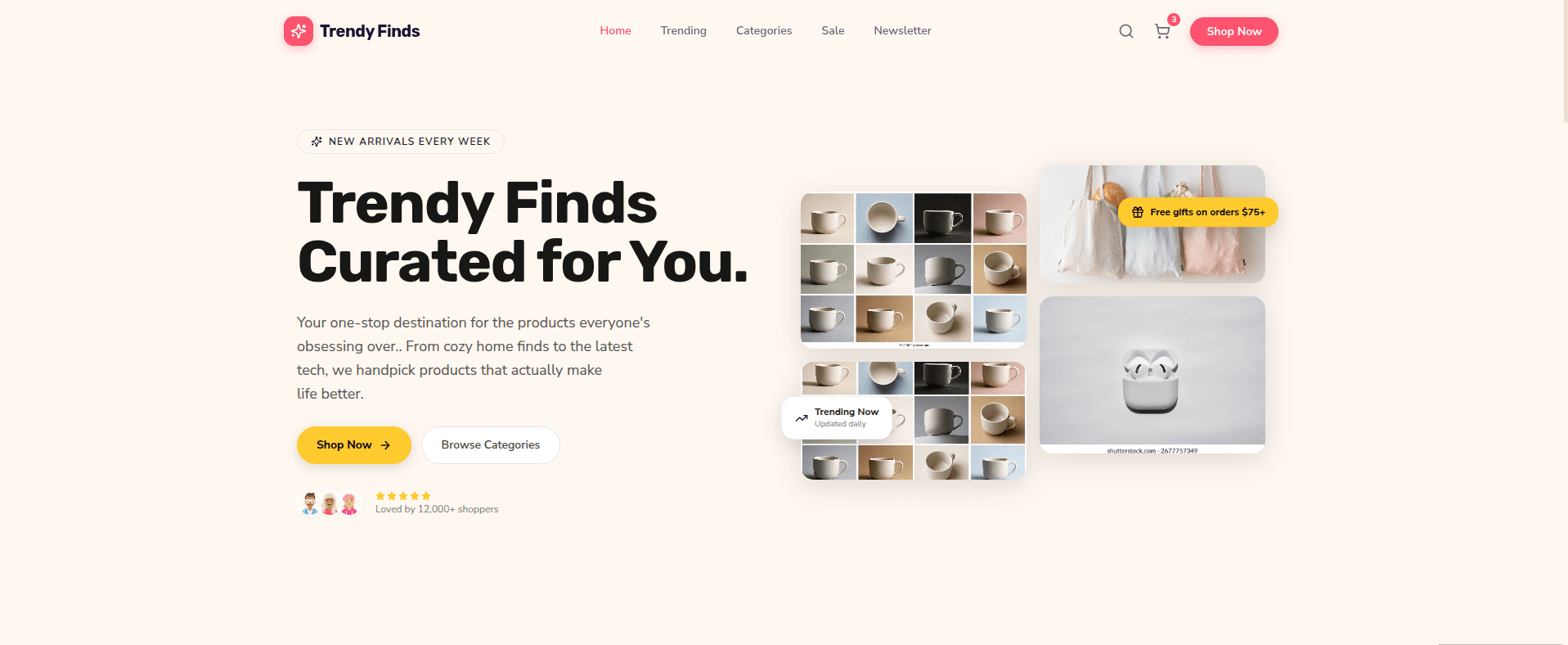
A live website preview is a real, running version of the site that updates as changes are made. Unlike a static mockup or screenshot, it behaves like the published website: links work, layouts respond to screen size, and forms can be tried. In Builder, every generated site and every edit appears in a live preview before you deploy it.
Make ideas visible early
A first version does not need final copy or perfect imagery. It needs enough structure to reveal whether the hierarchy, tone, and primary action are moving in the right direction. Early visibility prevents detailed work from accumulating around a weak idea.
Why a live preview is faster than mockups
- Everyone reacts to the same artifact, so feedback converges quickly.
- Responsive problems show up immediately instead of after development.
- Interaction and content length are tested with real behavior, not assumptions.
- Small changes can be tried and reversed in minutes rather than scheduled.
Compare specific choices
Ask focused questions when reviewing alternatives. Which headline explains the offer faster? Which layout makes the product easier to understand? Which navigation label matches the visitor's language? Specific comparisons produce decisions that can be implemented.
Request observable edits in the live preview
Vague feedback such as make it pop is hard for anyone to act on. Observable requests describe what should change and where:
- Move the product image above the first supporting paragraph.
- Shorten the headline so it fits on two lines at laptop width.
- Increase contrast on the secondary call to action.
- Show pricing context before the frequently asked questions.
Clear requests are easier for people and models to evaluate. The live preview then closes the loop immediately: make the change, inspect the result, and either keep it or revise it.
A simple live preview review routine
- Review the page at desktop width and note the three biggest problems.
- Switch to a phone-sized view and repeat.
- Fix structure and hierarchy first, then copy, then visual details.
- Make one change at a time so you can see its effect.
- Share the preview with one person outside the project and watch them use it.
Know when to stop iterating
Speed comes from reducing uncertainty, not from skipping judgment. When the page clearly explains the offer, the main action is easy to complete on every screen size, and the remaining feedback is a matter of taste, it is time to publish and learn from real visitors. Run the website launch checklist
A preview gives judgment something concrete to work with. Try it with your own idea: describe a site to Builder and refine it in a live preview. Generate a site with live preview
Frequently asked questions
What is the difference between a live preview and a mockup?
A mockup is a static image of a design. A live preview is a working website you can click, resize, and test, so it reveals problems a mockup hides.
Can I share a live website preview with my team?
In Builder you can invite teammates to edit a project with you, so everyone can review and refine the same preview.
Can I check the mobile layout in a live preview?
Yes. Switch to a mobile preview width, and also test the published site on a real phone before launch.
How should I phrase edit requests for an AI builder?
Describe a specific, observable change and where it should happen, such as moving a section or shortening a headline to two lines.
Builder Editorial Team
Practical notes about building, improving, and publishing websites with AI.
Keep reading
More from Builder
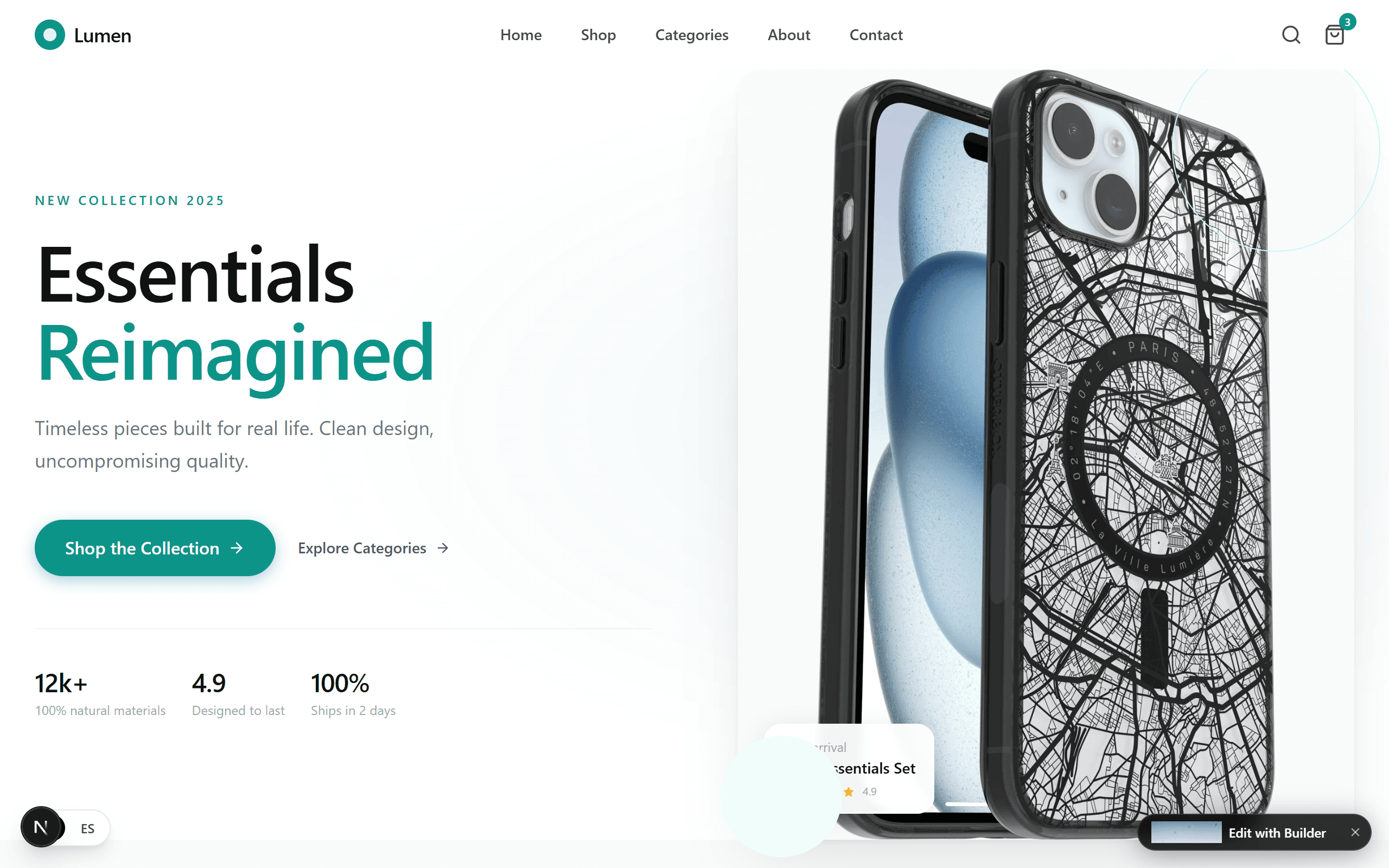
AI Website Design: Let the Model Make the Right Decisions
Good AI website design does more than fill a template. It knows when to make a choice, when to ask, and when to get out of your way.
Bed and Breakfast Website Builders: Choosing the Best One for Your Inn
Compare the types of B&B website builders, the booking and design features that matter, and the steps to launch a site that wins direct bookings.
AI Website Builders: How to Generate a Website and Choose a Tool
Learn how AI website builders turn a short brief into a working site, which type of builder fits your project, and what to check before you publish.
Ready to try your idea?
Start with a prompt, then shape the result as you go.