



AI Website Design: Let the Model Make the Right Decisions
Good AI website design does more than fill a template. It knows when to make a choice, when to ask, and when to get out of your way.
In this article
Good AI website design does not make you translate a finished design into a prompt. It helps you move from a rough idea to a strong first version, then leaves the important choices in your hands.
That takes more than a model that can write markup. The tool needs to understand the goal, shape a useful structure, and keep the work easy to change. We think about AI website design as a small set of decisions made at the right time, with a live preview close by. This article explains which decisions the model should make, which it should ask about, and which should always stay with you.
What AI website design actually decides
Every website is the result of hundreds of small decisions: the order of sections, the length of a headline, the color of a button, the spacing between cards. Traditional builders ask you to make most of them yourself, usually by picking a template that made them for someone else. AI website design shifts many of those decisions to the model, guided by what you tell it about the business.
- Structure: which pages and sections the site needs, and in what order.
- Hierarchy: what visitors should notice first, second, and third.
- Visual system: a focused palette, type scale, and spacing that work together.
- Content: starter copy that makes the next action clear.
- Responsiveness: how each section adapts from a wide monitor to a phone.
Give the model a clear destination
A prompt is most useful when it explains what the site should do and who it is for. A page for a neighborhood bakery that takes weekend cake orders gives the model better direction than a request for a modern website. Audience, task, and tone create a brief the model can act on.
From that brief, Builder fills in sensible details: a page hierarchy, a focused color palette, responsive sections, and copy that makes the next action clear. It should make progress without asking you to choose every margin or button style first. How to write a website design brief
Give the model a clear destination. Let it choose a sensible route, then make the route visible.
Three questions behind every AI design decision
A reliable generation flow answers three questions: how much the model should decide, when it should show its work, and what should remain easy to change. Those answers determine whether AI website design feels like a black box or a productive collaboration.
How much should the model decide?
For an early draft, the model should make ordinary design choices on its own. A user who asks for a portfolio should see a thoughtful page, not a questionnaire about every section. When a missing detail could change the entire direction, such as whether a business sells online or only takes inquiries, the model should ask one focused question or show a small number of options.
When should it show the work?
Waiting for a long generation to finish makes the result harder to guide. A live preview turns the process into a conversation: see the page, describe what feels off, and adjust it while the original intent is still fresh. Why live website previews speed up design
What should stay easy to change?
Generated work should remain understandable after the first pass. Clear sections, reusable components, and straightforward styling make it easier to replace a headline or reshape a layout without starting over.
Where your judgment matters most in AI website design
The model can produce a convincing page, but it cannot know what is true about your business. Some decisions should never be delegated:
- Facts: prices, opening hours, credentials, guarantees, and anything a customer will rely on.
- Voice: whether the copy sounds like you and the way you talk to customers.
- Priorities: which offer or audience matters most this season.
- Proof: real testimonials, photos, and case studies you have permission to use.
Keep the design feedback loop short
- Describe the audience and the job the website needs to do.
- Review the page structure before polishing minor details.
- Use the live preview to request specific, observable changes.
- Check small screens, links, and forms before sharing the site.
Each pass should answer one useful question. Does the page tell visitors what it offers? Is the main action easy to find? Does the mobile layout still make sense? A short feedback loop keeps those questions close to the work.
Ship AI-designed websites with confidence
Generation is a starting point, not a promise that every detail is finished. Before publishing, check the page on a phone, follow every important link, read the copy aloud, and make sure the site represents the business accurately. Use the website launch checklist
The model can take on repetitive work and produce a thoughtful first pass. You bring the context only you have, decide what feels right, and choose when the website is ready to meet the world.
Frequently asked questions
Will AI website design replace designers?
AI handles many routine layout and styling decisions, which frees designers to focus on brand, strategy, and the details that make a site distinctive. Human review is still essential.
Can AI website design produce a unique site?
Yes, when the brief is specific. Details about the audience, offer, and tone lead to a layout and visual system tailored to the business rather than a generic template.
How much control do I keep over an AI-designed website?
In Builder, you can refine any part of the generated site with plain-language requests or visual edits in a live preview, and export the full source code.
Is AI-generated website content accurate?
Not automatically. Treat generated copy as a draft and verify every fact, price, and claim before you publish.
Builder Editorial Team
Practical notes about building, improving, and publishing websites with AI.
Keep reading
More from Builder
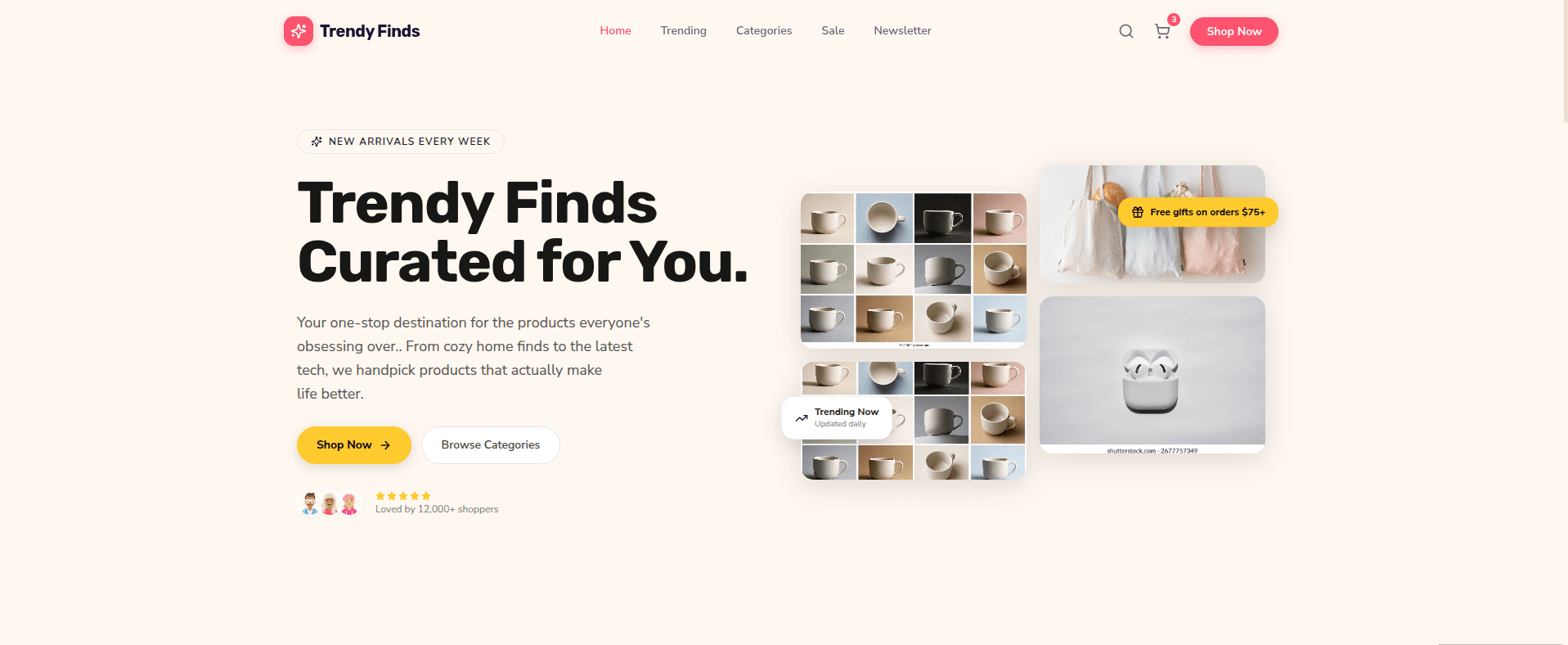
Live Website Preview: The Fastest Way to the Right Design
Use a live website preview to test ideas early, compare alternatives, and improve the parts of a site that people actually notice.
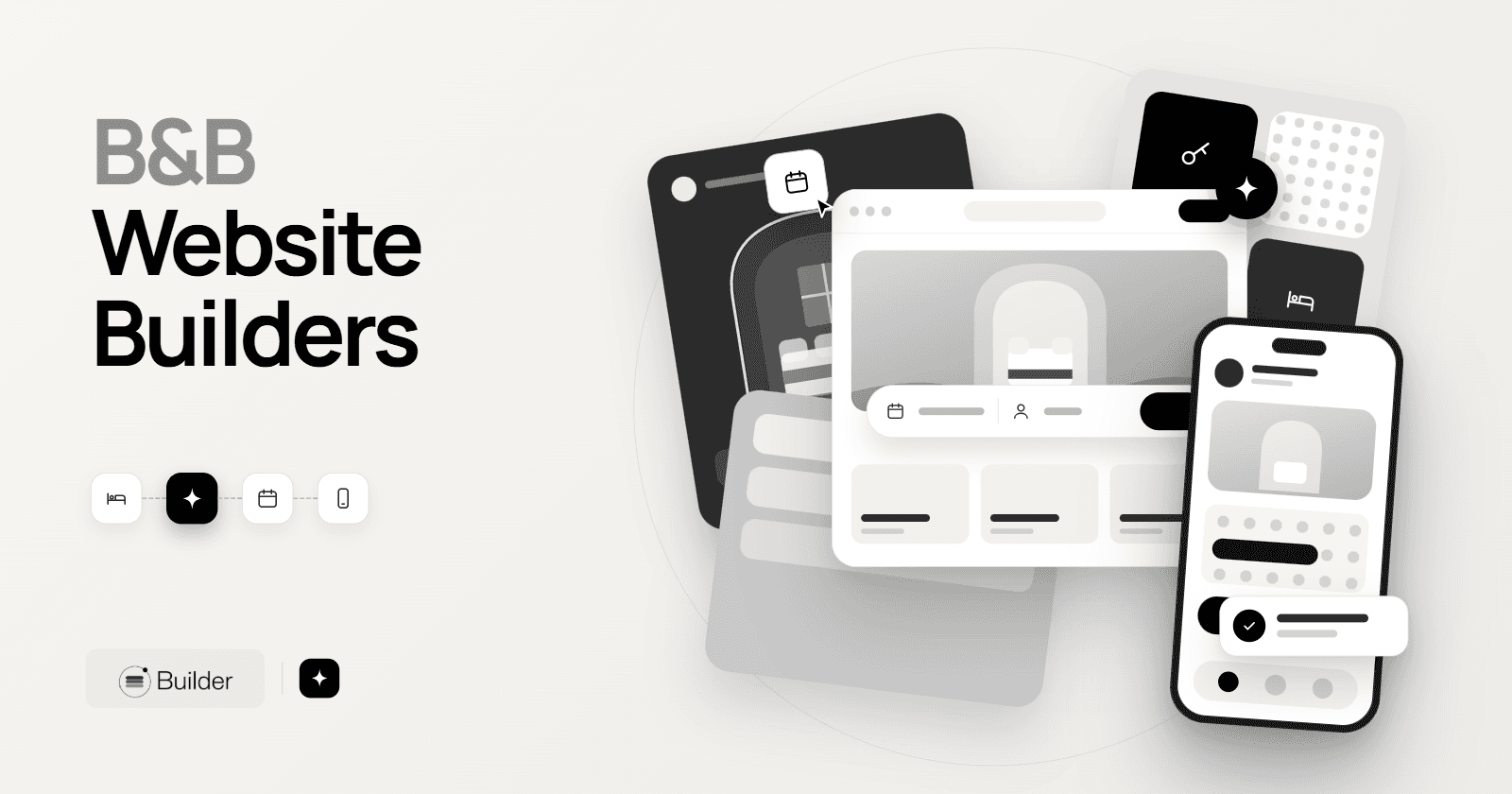
Bed and Breakfast Website Builders: Choosing the Best One for Your Inn
Compare the types of B&B website builders, the booking and design features that matter, and the steps to launch a site that wins direct bookings.
AI Website Builders: How to Generate a Website and Choose a Tool
Learn how AI website builders turn a short brief into a working site, which type of builder fits your project, and what to check before you publish.
Ready to try your idea?
Start with a prompt, then shape the result as you go.